KnoxWatch
Remote video monitoring for business sites

Remote security monitoring for business sites.

Remote CCTV and security monitoring for businesses that need after-hours visibility, optional 24/7 coverage, incident review, escalation support, and clear activity reporting.

After-hours coverage
Optional 24/7 schedules
Incident escalation
Daily reporting
  • Remote CCTV monitoring
  • After-hours support
  • Optional 24/7 coverage
  • Incident escalation

The problem

Most camera systems are not built for active response

KnoxWatch helps turn compatible camera systems into a monitored security workflow: review activity, verify incidents, escalate issues, and document what happened.

01

Cameras record more than they resolve

Footage is useful after the fact, but businesses need someone reviewing activity when risk is unfolding.

02

Alerts still need judgment

Motion events, AI alerts, and camera notifications need context, human review, and clear escalation rules.

03

Incidents need clean follow-through

Owners and managers need timestamps, notes, actions taken, and summaries that make follow-up easier.

Monitoring services

Remote CCTV monitoring built around review, escalation, and reporting

KnoxWatch supports businesses with after-hours monitoring, optional 24/7 schedules, incident review, escalation workflows, and clear activity reports.

01

Remote CCTV monitoring

Remote review of compatible CCTV systems for businesses that need professional visibility beyond passive recording.

02

After-hours monitoring

Coverage for evenings, overnight windows, weekends, or other vulnerable periods identified during consultation.

03

Optional 24/7 monitoring

Continuous coverage can be scoped for sites that need it, based on staffing, risk profile, camera access, and response requirements.

Incident review and escalation

Activity is reviewed with context, documented, and escalated according to agreed contacts and site instructions.

Daily and incident reporting

Clear summaries, timestamps, notes, and incident outcomes help customers understand what happened and what was done.

Secure camera onboarding

Camera access, viewer permissions, recorder details, and monitoring requirements are handled securely after agreement.

Sectors

Industries we serve

Tailored monitoring workflows for the operational realities of commercial sites, retail locations, warehouses, parking areas, and multi-location businesses.

View all industries

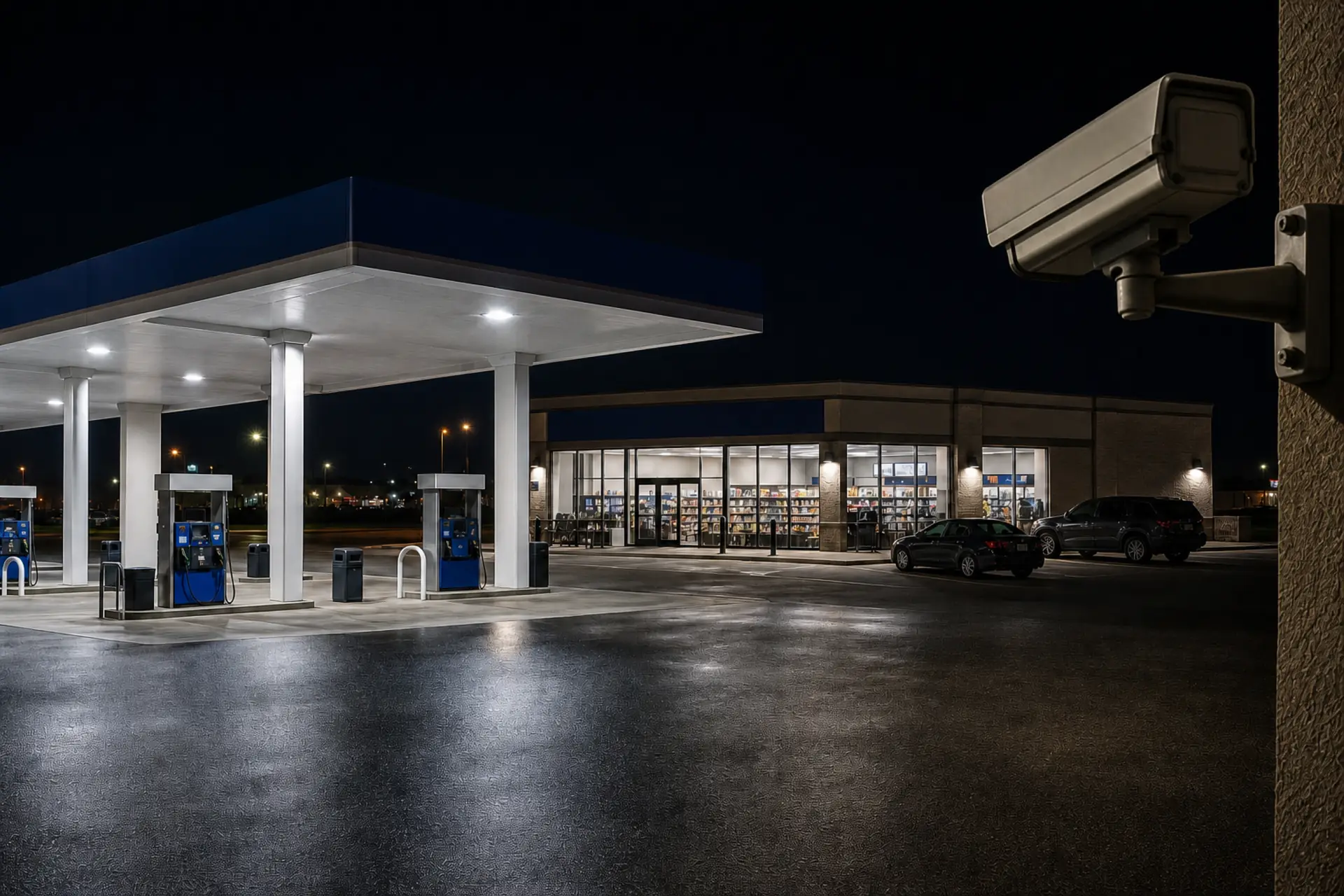
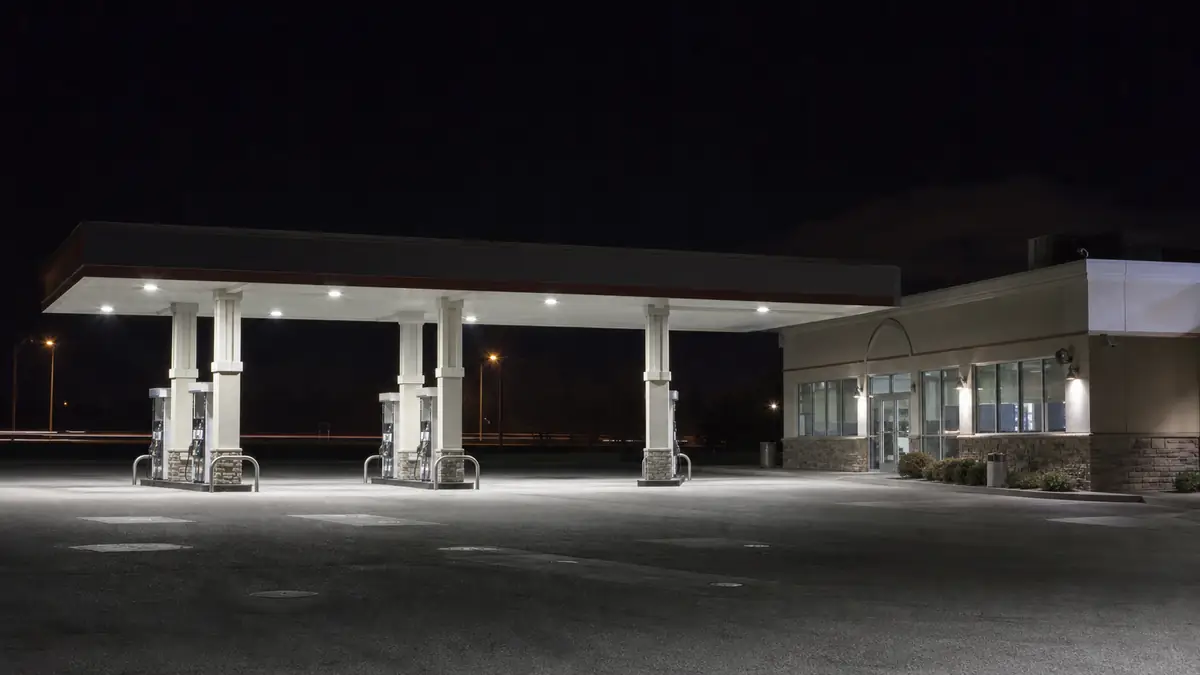
Gas stations

Fuel islands, late-night activity, loitering, cash handling areas, parking activity, and perimeter visibility.

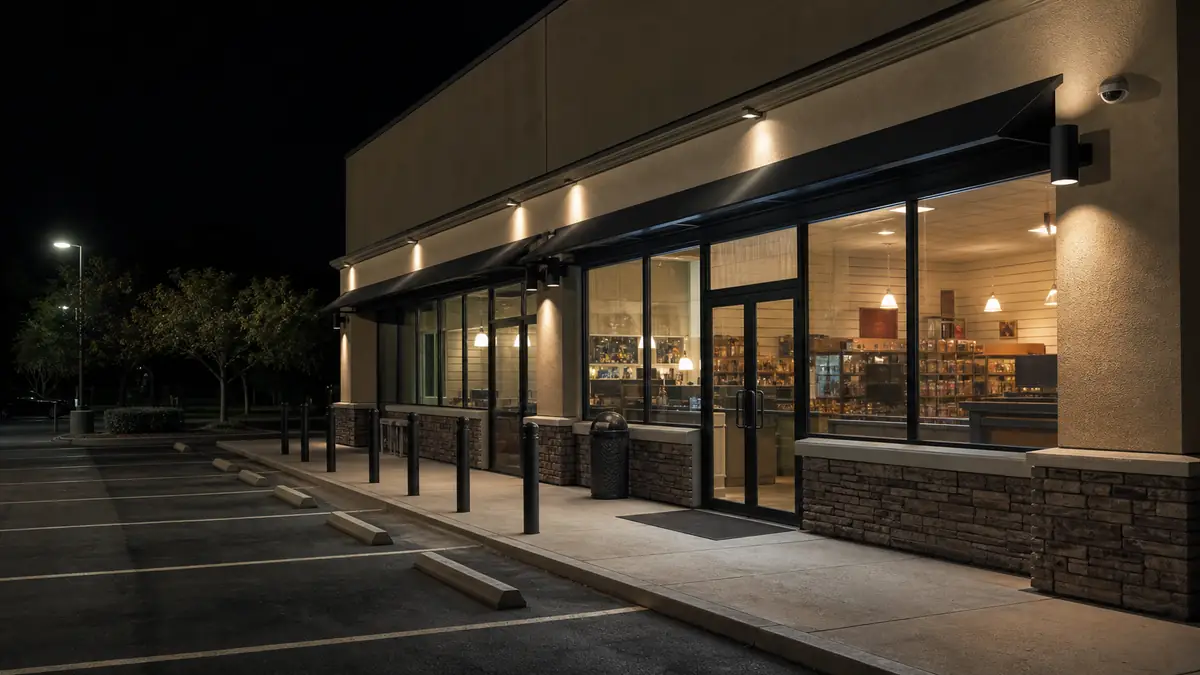
Convenience and retail stores

Entrance review, stockroom visibility, closing-time monitoring, vendor activity, and theft deterrence support.

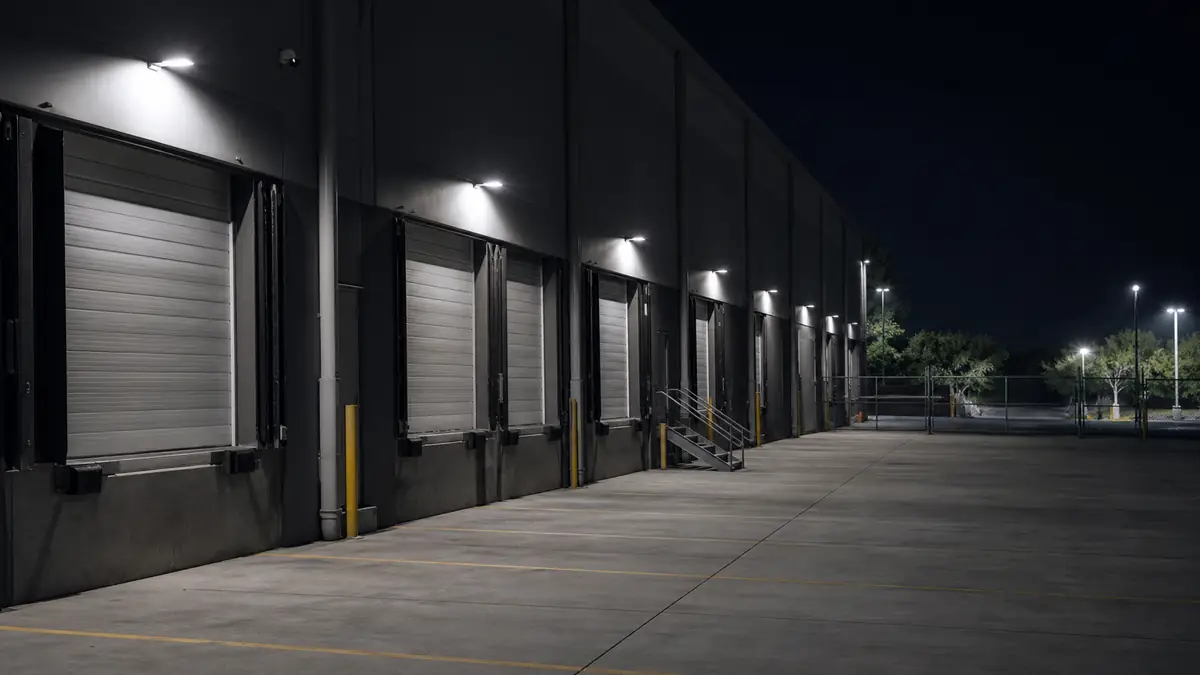
Warehouses

Loading docks, restricted areas, employee/vendor safety, after-hours movement, and delivery-zone activity.

Offices and commercial properties

Lobby areas, parking lots, shared entrances, and after-hours access review.

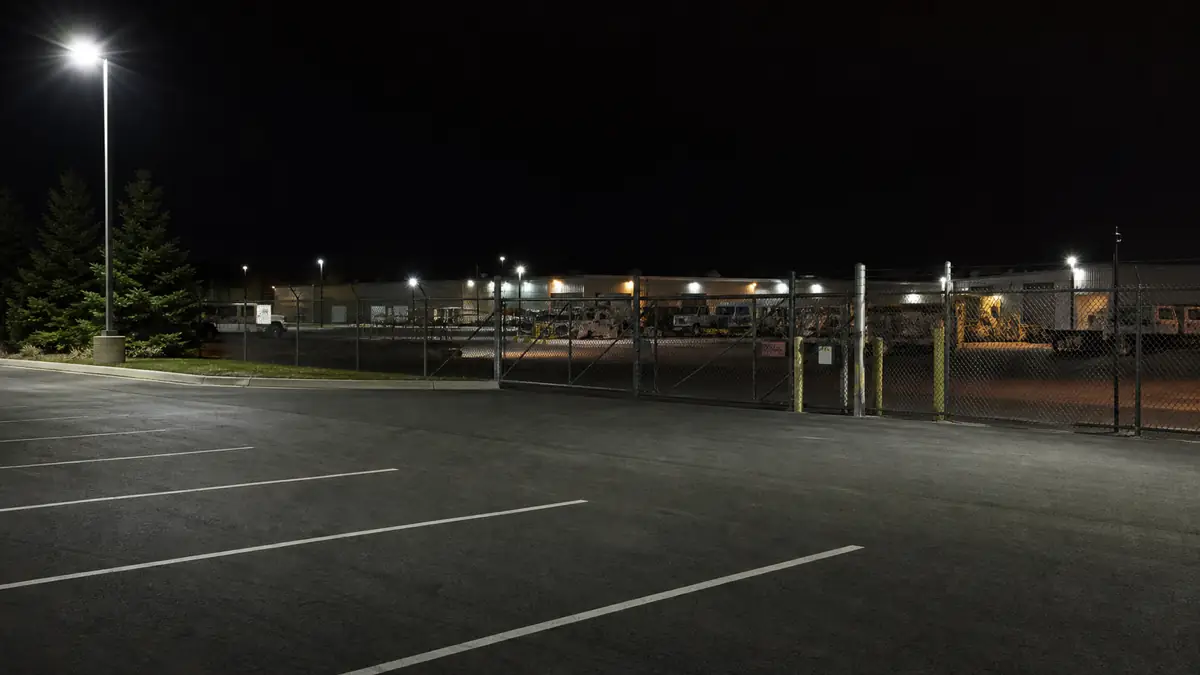
Parking lots and storage yards

Vehicle activity, suspicious presence, unauthorized access, perimeter activity, and incident documentation.

Multi-location businesses

A consistent monitoring workflow across stores, locations, contacts, and escalation rules.

How it works

From consultation to monitored coverage

KnoxWatch starts with a site review, then prepares a custom monitoring path before camera access, escalation contacts, and reporting expectations are finalized.

01

Book consultation

Share your business type, location needs, camera setup, operating hours, and main security concerns.

02

Assess site and cameras

KnoxWatch reviews camera compatibility, access options, site layout, monitoring windows, and escalation needs.

03

Proposal, onboarding, and launch

After proposal and agreement, camera access is coordinated securely so monitoring, escalation, and reporting can begin.

Security operations

A clear operating rhythm for remote monitoring.

KnoxWatch is structured around a practical sequence: review camera activity, verify context, escalate according to site instructions, document what happened, and report back clearly.

Monitoring workflow

Command-center process

Site-specific rules
01

Monitor

Review compatible camera feeds during scoped coverage windows.

02

Verify

Separate routine activity from events that need attention.

03

Escalate

Follow agreed contact paths and site instructions when action is needed.

04

Document

Capture timestamps, notes, context, and outcomes for follow-up.

05

Report

Provide Weekly summaries or incident reports based on the monitoring plan.

Coverage

After-hours or scoped 24/7 schedules

Access

Limited viewer access preferred

Output

Weekly or incident documentation

Security and reporting

Secure onboarding, accountable monitoring, and documented activity

Camera access is coordinated after agreement, with an emphasis on limited viewer access, defined escalation paths, and daily or incident-based reporting.

Limited-access onboarding

Customers are guided to create limited viewer access where possible instead of sharing full camera admin credentials.

Controlled access process

Camera access and monitoring permissions are handled after agreement with clear separation between customer and operator workflows.

Structured onboarding

Camera details, monitoring hours, escalation contacts, and site instructions are collected through a consistent onboarding process.

Incident review

Activity can be reviewed, categorized, escalated when appropriate, and documented for customer follow-up.

Reporting visibility

Daily activity summaries and incident reports provide clearer visibility into site activity and monitoring outcomes.

Compatibility-first approach

Monitoring recommendations depend on the camera system, access method, recorder, stream availability, site risk, and customer requirements.

Guided consultation

Every V1 customer starts with a site and camera review before proposal.

Limited access preferred

Customers are guided toward viewer-level camera access where possible.

Documented activity

Monitoring plans can include daily summaries and incident documentation.

Direct contact

1-605-549-2504 · 721 E 4th St, Canton, SD 57013

Book a consultation

Ready to build a monitoring plan for your site?

Share your camera system, business type, operating hours, and security concerns. KnoxWatch reviews the details, then prepares a custom monitoring recommendation before onboarding begins.

FAQ

Common questions before onboarding

Clear expectations for camera compatibility, monitoring coverage, secure access, and the consultation process.

Do I need new cameras?

Not always. Many businesses can begin with existing cameras if the system has reliable coverage and can be accessed securely.

Can KnoxWatch work with existing CCTV or NVR systems?

Often, yes. Compatibility depends on your camera system, recorder, remote access options, stream availability, and whether secure viewer access can be configured.

Do you offer after-hours or 24/7 monitoring?

Yes, after-hours monitoring is a core use case. Optional 24/7 monitoring can be scoped during consultation when a site requires broader coverage.

What areas can be monitored?

Coverage depends on camera placement, lighting, viewing quality, access reliability, and the site instructions agreed during onboarding.

How does camera access work?

Camera access is coordinated after agreement. KnoxWatch reviews the safest supported access method for your camera platform, recorder, or remote viewing setup.